
If you chase yield, your wallet must keep up. This review explains what DeFi-Ready Wallets look like in 2025: smooth dApp connections, clean approvals, quick revokes, and painless pairing with Ledger or Trezor. You’ll get a friend-level walkthrough, benchmarks to copy, and a short checklist to avoid the usual traps before you deploy serious capital.
Best DeFi Ready Wallets: what “ready” actually means
People keep asking for the Best defi ready wallets, but “best” depends on the job. Yield hunters rotate positions fast, farm on multiple chains, and interact with new contracts weekly. Therefore, a DeFi land must deliver four pillars:
1) Connectivity that never wastes your block:
- One-tap WalletConnect or built-in dApp browser
- Predictable chain switching without failed prompts
- Reliable session persistence across tabs and devices
2) Crystal-clear transactions:
- Human-readable signing messages
- Simulation of token movements before you click Approve
- Alerts for new or suspicious spenders
3) Permission control that respects your time:
- Set custom spend limits when approving
- View and revoke approvals in one screen
- History that shows w
- hich dApp got which right
4) Hardware agility:
- Plug-and-play pairing with Ledger/Trezor
- Clear prompts during signing, even on complex DeFi rug pull.
- No mystery errors when gas spikes
Bottom line: The Best defi ready wallets let you move across chains and contracts with confidence. They show you who can take what, they simulate outcomes, and they make revokes a two-click action.
A quick readiness test you can run today
- Open three yield dApps you actually use.
- Connect each within 10 seconds.
- Approve a tiny allowance with a custom limit.
- Revoke it. If any step feels clunky, your wallet isn’t “ready.”
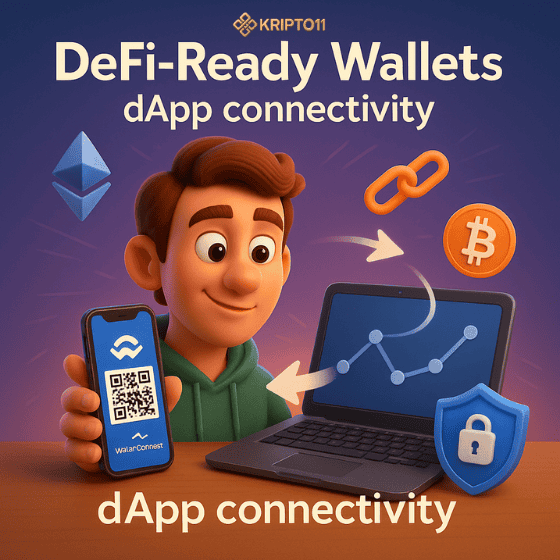
dApp connectivity: smooth, fast, and trustworthy
DeFi-Ready Wallets should feel invisible while you focus on APY and risk. Here’s how to spot the good ones.
Friction killers to look for
- Auto chain prompts: the wallet switches to the chain a dApp requests, but still asks for confirmation.
- Session keys (where supported): sign once, interact many times for a set period.
- Recent dApp memory: the wallet remembers your last few dApps and networks, so reconnects take seconds.
DeFi-Ready Wallets: Signal vs. noise
- If you see unsigned pop-ups or URLs that slightly differ from the dApp domain, stop.
- Prefer a wallet that surfaces ens/primary name or similar identity hints, so you always know which account you’re using.
Why this matters for yield
Farmers jump from discovery to deposit fast. Smooth connections mean fewer failed transactions and less slippage on volatile farms.
Connectivity checklist
- One-click WalletConnect works from mobile and desktop.
- Chain switch never resets your page.
- The wallet shows your current account and network in every modal.
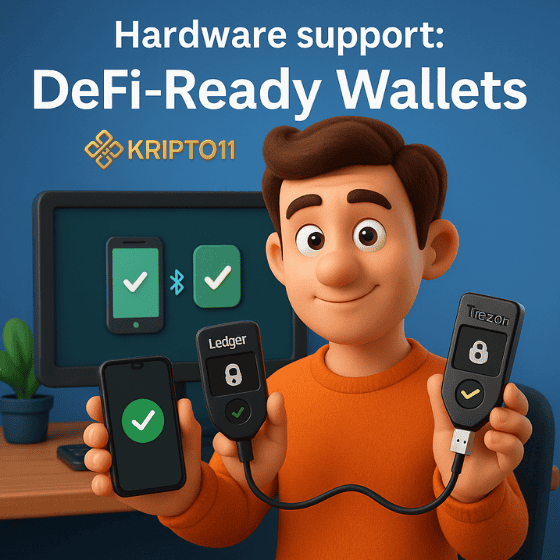
Hardware support: DeFi-Ready Wallets
You don’t have to use cold storage for small balances. However, when TVL grows, hardware is your seat belt.
What great pairing looks like
- Ledger/Trezor connects in under a minute.
- The wallet labels hardware accounts clearly (e.g., “Vault 1 | Ledger”).
- Transaction previews match the device prompt. You sign with confidence, not with hope.
2025 quality-of-life improvem
- Blind-signing warnings: the wallet calls out when a device prompt lacks human-readable text.
- Persistent mappings: the same wallet remembers which device goes with which account.
- Account abstraction where available: gas sponsorship or batched calls still route through hardware confirmation when funds move.
When to keep it hot vs. cold
- Hot wallet: daily harvesting, compounding, small balances.
- Hardware wallet: long-term positions, multi-sig roles, vault strategies, and anything that would ruin your month if lost.
A 5-minute hardware drill
- Pair the device.
- Do a tiny deposit into a known farm.
- Claim rewards.
- Revoke approval.
- Unplug. If any step breaks flow, document the glitch and switch wallets.
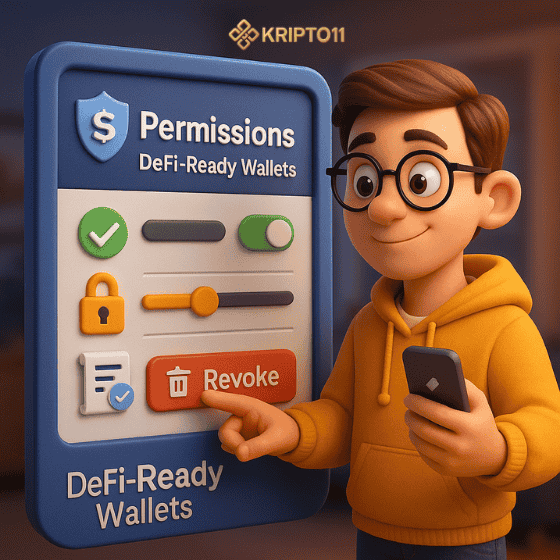
Permissions: approve, limit, and revoke without headaches
Approvals decide who can move your tokens. Treat them like credit limits.
Best practices baked into DeFi-Ready Wallets
- Custom allowance by default: you choose a spending cap, not “unlimited.”
- One-view permissions center: every token → which spender → last used.
- Revokes that actually complete: no hidden errors, no stuck pending status.
Common failure patterns (and how good wallets fix
- “Unlimited” everywhere: great wallets steer you to cap allowances.
- Opaque spender addresses: they resolve contract names and show verified badges where possible.
- Silent approval creep: they alert you if a spender you haven’t used in months still holds rights.
Tip for fast movers: Create a fresh sub-account for high-risk farms. Cap every allowance. Revoke when done. Your main vault stays clean.
Your 60-second revoke routine
- Open the permissions page.
- Sort by “Last used.”
- Revoke stale contracts first.
- Cap the two you still need. Done.
Performance & fees: simulation, gas controls, and 2025 UX wins
You want speed and certainty. Fees still matter, Simulation saves money Before you approve or swap, top wallets simulate the call: what goes in, what comes out, which tokens move. You spot honeypots and mis-routed calls before paying gas.
Gas controls that match market conditions
- Presets (Fast / Market / Saver) plus manual override.
- Real-time estimates that track base fee and priority tips.
- Gentle warnings if gas looks off for the current block.
2025 wins worth using
- Batching (where supported): approve + deposit in one flow.
- Sponsored gas / paymaster: helpful for new addresses; know who pays and for how long.
- Cross-chain UX hints: if a farm requires bridging, the wallet suggests a route while showing fees and time windows.
How this helps yield hunters Less friction and fewer failed transactions compound your edge. You enter earlier, exit cleaner, and avoid burning half your Crypto gains to network mistakes.
Micro-benchmarks to run on any wallet
- Time-to-connect with a new dApp (goal: <10s).
- Time-to-approve with custom limit (goal: <20s).
- Time-to-revoke (goal: <15s).
- Swap simulation accuracy vs. execution (goal: within expected slippage).
Risk hygiene for farmers: practical guardrails that scale
Even the best wallet can’t save reckless moves. Add these habits and your DeFi-Ready Wallets become safer tools, not single points of failure.
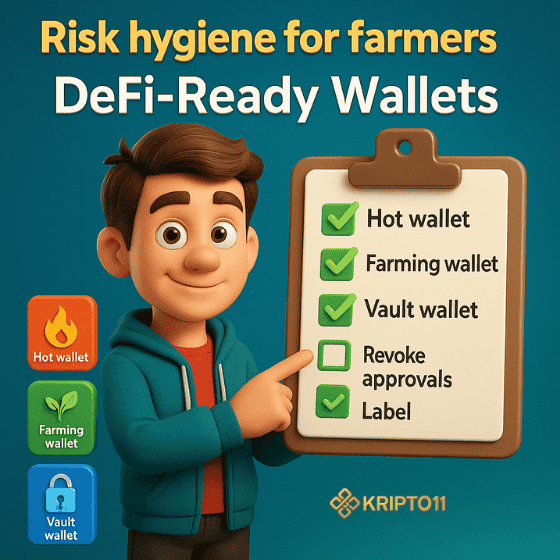
Segment your capital
- Spending account: tiny, hot.
- Farming account: moderate, rotates often.
- Vault account: device-gated, rarely touches dApps.
Rotate and label
- New farm? Use a fresh sub-account.
- Label addresses by role (e.g., “Farm-SOL-01”).
- Keep a written map for your team or family.
Stay phishing-proof
- Bookmark real dApps.
- Never paste seeds.
- Treat “urgent support” messages as scams.
Exit discipline-DeFi-Ready Wallets
- Revoke approvals after exits.
- Snapshot your balances and export the CSV.
- Keep a short post-mortem: what worked, what didn’t, what to repeat.
The 3-wallet setup that rarely fails
- Hot mobile for scanners and quick checks.
- Desktop extension for most dApps and approvals.
- Hardware vault for principal and stable stacks.
FAQ – DeFi-Ready Wallets
Q1) Do I really need a hardware wallet for DeFi?
Use hot wallets for small, frequent moves. When balances grow or you hold governance tokens, pair with Ledger/Trezor. Hardware pays for itself the first time it blocks a mistake.
Q2) Are unlimited approvals always bad?
They’re risky. Set custom allowances per dApp. Cap the spend. Revoke when done. Your future self will thank you.
Q3) How do I know if a wallet is truly DeFi-ready?
Run the readiness test: connect three dApps, set a custom allowance, revoke it, and simulate a swap. If any step stalls, switch wallets.
Q4) What breaks most often during busy markets?
Chain switching and gas estimation. Pick wallets with fast prompts, solid presets, and accurate simulation under load.
Q5) Which features help the most in 2025?
Human-readable signing, one-screen approvals management, hardware pairing, session keys for repetitive calls, and batched actions where supported.




Pingback: Telegram mini apps: Is Tonkeeper or a Solana wallet safer to use? - Kripto11: A Major USDT Cryptocurrency Trading Platform
Pingback: Mobile Trust Wallet 2025: iOS vs Android-Fraud & Scam Safety
Pingback: KYC-free marketplace: NFT investment risk - no ID verification
Pingback: MetaMask vs Coinbase Wallet: Easiest Day-One Pick 2025 Edition - KRIPTO11
Pingback: Solana to usd price 2025: NFT slump and hype fatigue set in - Kripto11: A Major USDT Cryptocurrency Trading Platform
Pingback: Solana Coinbase Wallet: NFTs and Meme Coins in One Hot Wallet
Pingback: First blockchain wallet review: iOS vs Android for Daily Crypto
Pingback: Ton wallet withdrawals to bank: never as easy as the ads say - KRIPTO11.info
Pingback: Spotify payment failed? Use a gift card or swap digital wallets - SpotifyMods